
I spent weeks testing both the Skylight Frame and Aura Frame in my own home after buying one for my parents and the other for my living room.
I wanted a clear answer on which digital photo frame actually delivers better daily value for sharing family memories without constant tech headaches.
This article breaks down the real differences so you can pick the one that fits your setup, budget, and how your family actually sends photos.
| Feature | Skylight Frame | Aura Frame |
| Screen Size Options | 10-inch, 15-inch | 10-inch to 15-inch (varies by model) |
| Resolution | 1280×800 (standard); up to 1920×1200 on Frame 2 | Often 1600×1200 or higher |
| Storage | 8GB–16GB local + optional cloud | Unlimited free cloud |
| Control Method | Full touchscreen | App primary + side touch bars |
| Sharing | Email or app (no account needed for email) | App or web upload |
| Subscription | Optional Plus at $39/year for extras | None for core features |
| Offline Use | Yes, once photos are loaded | Requires Wi-Fi |
| Video Support | Requires Plus subscription | Built-in (clips usually up to 30 seconds) |
| Design Feel | Modern tablet-like | Premium decor-style |
| Price Range (approx.) | $140–$300 | $150–$300+ |
Key Differences between Skylight And Aura Frame
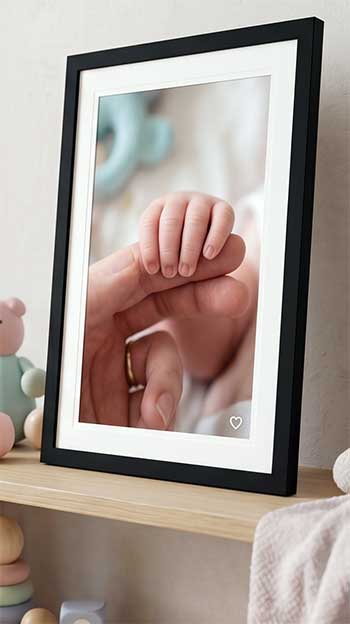
- Display philosophy and how photos actually look on the screen The biggest split I noticed day one sits in how each brand treats the screen itself. Skylight leans toward a bright, responsive touchscreen that feels interactive, almost like a slim tablet sitting on a shelf. Colors come through clearly enough from a few feet away, but the standard 1280×800 resolution on many 10-inch models softens fine details compared with printed photos. Aura takes the opposite path. Its panels, especially on models like the Aspen or Carver, push higher resolution and a matte anti-glare finish that makes images feel closer to real paper prints. The 4:3 aspect ratio on several Aura units matches smartphone photos better, so fewer faces get cropped at the edges. In my living room under mixed lighting, Aura photos held their punch longer into the evening while Skylight sometimes needed a brightness tweak to avoid looking washed out.
- Interaction style and who can use the frame without help Skylight puts a full glass touchscreen front and center. You swipe, pinch, zoom, and tap a heart button right on the device. That works great if the person using it wants to flip through albums or pause on a favorite shot without grabbing a phone. Aura keeps most controls in the app and adds subtle side touch bars for basic swiping. The frame itself stays cleaner and more frame-like, but you lose the hands-on feel. When I handed both to my mom, who avoids apps when possible, she preferred tapping the Skylight screen. My design-focused sister preferred Aura because it never collected fingerprints and simply sat there looking intentional.
- Storage approach and dependence on the internet Skylight gives you built-in local storage—8GB on older units, 16GB on Frame 2—so once photos download they stay available even if Wi-Fi drops. That offline reliability proved useful during a weekend power-outage-adjacent router glitch at my parents’ house. Aura stores everything in unlimited free cloud space. The upside is never worrying about filling the device; the downside is the frame needs a steady connection to show anything. If your home has spotty coverage or you travel with the frame, Skylight’s local files win. If you value never deleting old shots and always having the latest uploads appear automatically, Aura’s cloud model feels lighter.
- Sharing methods for the whole family Sending photos to Skylight is almost frictionless. Anyone can email an image to the frame’s unique address—no app, no account, no login. The free mobile app exists for people who want it, but email covers grandparents, aunts, and the cousin who still uses a flip phone photo attachment. Aura requires the dedicated app or web uploader for most contributions. Multiple people can be invited, and the organization tools inside the app are stronger, yet that extra step stopped a few less tech-comfortable relatives from sending as often. In practice I received more random daily photos on the Skylight simply because the barrier sat lower.
- Subscription model and long-term cost Skylight keeps basic photo display free after purchase. Videos, multiple albums, captions, remote settings, and some cloud extras sit behind Skylight Plus at roughly $39 per year. One subscription covers every frame on the account. Aura includes unlimited storage, video clips, and core features with no recurring fee. Over three years the Skylight can cost more if you unlock everything, while Aura’s price stays fixed at the hardware cost. I ran both without subscriptions first; Skylight still worked well for still photos, but the missing video felt noticeable once kids started sending short clips.
- Design presence in a real room Aura frames look like intentional home decor. Slim bezels, paper-like mats on some models, and finishes that disappear into bookshelves or mantels. Skylight looks more like a polished gadget. Interchangeable snap frames on newer models help, yet the overall silhouette still reads “digital device.” When guests walked into my house they usually commented on the Aura first because it blended; the Skylight drew comments once someone touched it.
Key features of Skylight Frame
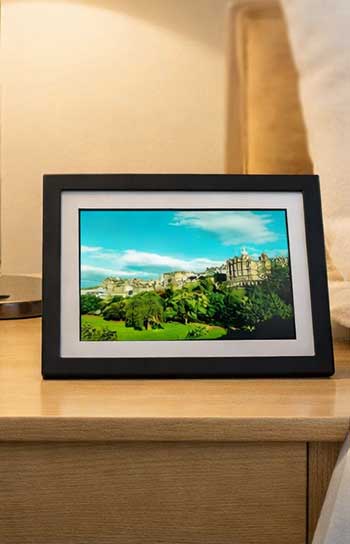
- Touchscreen controls that let you manage everything without a phone You can crop, rearrange, heart photos, adjust brightness, and switch albums (with Plus) directly on the glass. This removes the need to pull out a phone every time someone wants to linger on a particular shot.
- Gift Mode for preloading before the box is opened I loaded fifty photos from a recent family trip onto a Skylight before shipping it. The recipient plugged it in and immediately saw familiar faces. That single feature turned a tech gift into an emotional one.
- Local storage that keeps photos available offline Once the images land on the internal drive they stay there. No Wi-Fi required for playback. This matters more than most people realize until the first router outage.
- Email-to-frame sharing that needs zero setup for senders A unique email address is all anyone needs. Photos arrive in under a minute when the network is solid. The system feels almost old-school in its simplicity and that is exactly why it works across generations.
- Optional Plus subscription that unlocks video, albums, and remote control Videos up to a minute, captions, doodles, and app-based settings changes become available for $39 a year. Without it the frame still shows stills reliably.
- Multiple size and color choices plus newer Frame 2 upgrades Ten-inch and fifteen-inch options, several frame colors, and the Frame 2’s higher resolution and snap-frame accessories give room to match different spaces.
Pros of Skylight Frame
- Genuine ease for non-technical users My parents never needed an instruction manual after the first setup. They swipe when they want and otherwise ignore it. The email system means distant relatives contribute without downloading anything.
- Offline reliability that removes one common frustration Photos keep cycling even when the home network hiccups. That peace of mind matters in rural homes or older houses with inconsistent coverage.
- Hands-on interaction that feels personal Being able to pause, zoom, or heart a photo right on the frame turns passive display into active reminiscing. Kids especially love tapping the heart button.
- Competitive entry price for solid core performance You can get a capable 10-inch unit for less than many premium alternatives while still receiving reliable photo delivery.
- Gift Mode that creates an immediate emotional payoff Preloading photos transforms the unboxing moment. The frame arrives already filled with meaning instead of empty.
- Expandable experience through one affordable subscription If video and albums become important later, the $39 yearly fee unlocks them across every Skylight you own.
Cons of Skylight Frame
- Screen sharpness that trails the best competitors Even the improved Frame 2 models do not match Aura’s clarity and color depth at typical viewing distances. Fine details in group shots can look softer.
- Subscription pressure for features many expect to be free Videos, multiple albums, and full remote control sit behind a paywall. Some buyers feel the hardware price already justifies those extras.
- Fingerprint magnet on the touchscreen Daily use leaves visible marks that require regular wiping. The interactive surface becomes a maintenance chore in high-traffic areas.
- App and frame settings sometimes split awkwardly Without Plus, certain adjustments only happen on the device itself. The experience can feel less unified than a pure app-driven system.
- Aggressive compression on some uploads Photos occasionally lose a bit of crispness after processing. Photography enthusiasts notice the difference more than casual users.
Also Read: Are Keepsake Frames Worth It?
Key features of Aura Frame
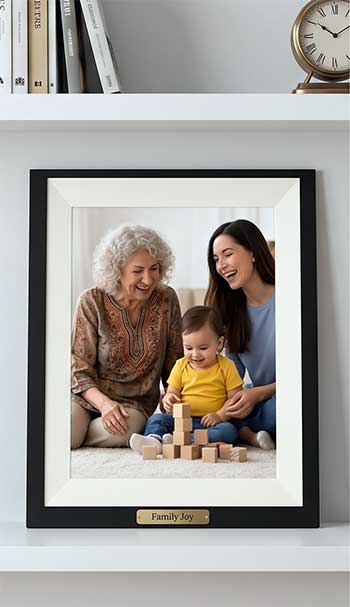
- High-resolution displays tuned for realistic photo reproduction Models such as the Aspen deliver 1600×1200 or better with accurate color and a matte surface that cuts reflections. Photos look closer to prints than to a tablet screen.
- Unlimited free cloud storage with no subscription required Every photo and short video lives in the cloud forever at no extra cost. You never manage local capacity or pay yearly fees for the basics.
- Smart app tools for organization, captions, and people search The Aura app lets you create curated albums, add text, search by face, and invite multiple contributors. Management stays centralized and clean.
- Flexible orientation on many models Several Aura units rotate between portrait and landscape automatically. This matches phone photos better and lets you place the frame wherever it fits.
- Subtle side touch bars and automatic brightness You can swipe without smudging the main glass. Ambient sensors adjust brightness so the frame stays readable without constant manual changes.
- Strong design focus that treats the product as decor first Slim profiles, quality materials, and finishes that look intentional make Aura frames easier to leave on display in formal living rooms or bedrooms.
Pros of Aura Frame
- Superior image quality that rewards careful looking Colors stay true, blacks look deeper, and the matte finish reduces glare so photos remain pleasant even under bright windows. The frame feels less like a screen and more like a living print.
- Truly free unlimited storage and core features No yearly fee ever appears for the functions most people use daily. Long-term ownership cost stays predictable.
- Clean aesthetic that blends into real homes Guests often mistake it for a traditional frame until a new photo fades in. That subtlety matters if you dislike gadget clutter.
- Strong organizational tools inside a polished app Creating themed albums, adding captions, and searching by people keeps large photo collections usable instead of overwhelming.
- Automatic features that reduce daily fiddling Brightness adjusts itself and orientation can switch without user input on many models. The frame largely runs itself once set up.
- Consistent performance across multiple contributors Family members who already use smartphones find the app straightforward, and the cloud sync keeps every invited person in the loop without extra hardware.
Cons of Aura Frame
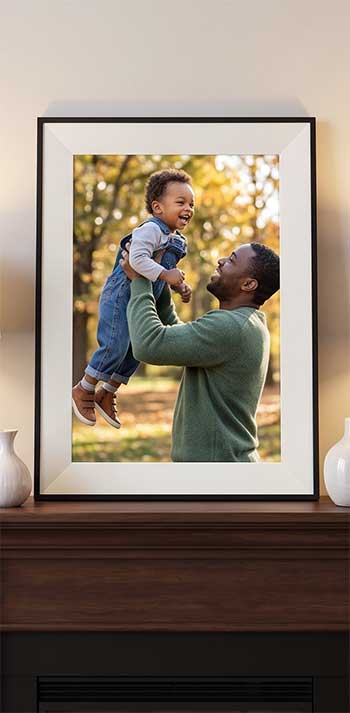
- Complete dependence on Wi-Fi No local storage means a network outage stops the show. Homes with unreliable internet or frequent travel face a real limitation.
- Less direct interaction on the device itself You cannot freely swipe through every photo or make quick crops without the app. Hands-on users may feel restricted.
- Higher price for comparable screen sizes The improved display and design usually cost more than a basic Skylight. Budget shoppers notice the difference immediately.
- App requirement that can slow less technical senders Relatives who dislike downloading new software contribute less frequently than they do with simple email.
- Limited brightness and color controls on some models You cannot fine-tune the look as precisely as on a touchscreen device. The automatic settings work well for most but not for perfectionists.
Use Cases That Clarified My Choice
When I placed the Skylight in my parents’ kitchen, the email system and touchscreen made it the center of daily conversation.
Grandkids sent photos from school events and the frame updated within minutes. The local storage meant it never went blank during their occasional Wi-Fi blips.
The Aura lived in my living room where design mattered more. Its clearer photos and quiet presence fit the space better, and the unlimited cloud let me dump entire vacation libraries without deleting anything.
Video clips of the kids playing arrived automatically and played with sound when I tapped the side bar.
Price comparison over time also shifted my thinking. A Skylight purchased at $160 plus three years of Plus totals roughly $277. An Aura at $230 stays at $230. If video matters, the numbers tighten. If pure still-photo simplicity and offline use matter more, Skylight pulls ahead even with the subscription.
Also Read: Are Level Frames Worth It?
Frequently Asked Questions (FAQ)
Aura models, especially the Aspen, frequently top expert and user lists for image quality and overall experience.
No. Basic photo sharing and display work without any fee. An optional Plus plan costs about $39 per year for videos, albums, and extra tools.
No. It is designed only for photos and short videos, not streaming apps or full entertainment content.
Yes for families who value touchscreen control, email sharing, and offline reliability. The value rises further if the optional subscription features match your needs.
Wrapping Up
After living with both frames side by side, I see them as two honest answers to the same problem rather than direct rivals. Skylight prioritizes simple, tactile sharing that works for every generation in the family.
Aura prioritizes beautiful presentation and zero ongoing fees so the frame can disappear into your home while still staying current. You will know which path fits once you decide whether interaction and offline access matter more than pure visual quality and design subtlety.
Either choice brings family photos out of the phone and into the room where they belong, and that alone makes both worth serious consideration.